Which tools actually fit?
You’ve heard several suggestions. Which program fits your work, budget, and internet connection?

Technology & media consultant · Tabor Normoyle
Church audio, photos and video, social media, and the everyday work on your computer. I can help you choose tools and learn to use them.
Start with a free 30-minute conversation.
From conversations with missionaries
“I don’t even have a go-to.”
“I wish I had more of a formula.”
“It’s finding pictures. It’s all those technical things.”
Missionary Media interview excerpts
The digital side of ministry
You’ve heard several suggestions. Which program fits your work, budget, and internet connection?
The sound cuts out. The screen won’t connect. You need someone to work through the equipment and Wi-Fi with you.
An update turns into an afternoon of sorting photos and copying text. You want a simpler way to reach people back home.
Copying names between lists. Saving the same files in several places. Let’s cut down the steps you repeat.
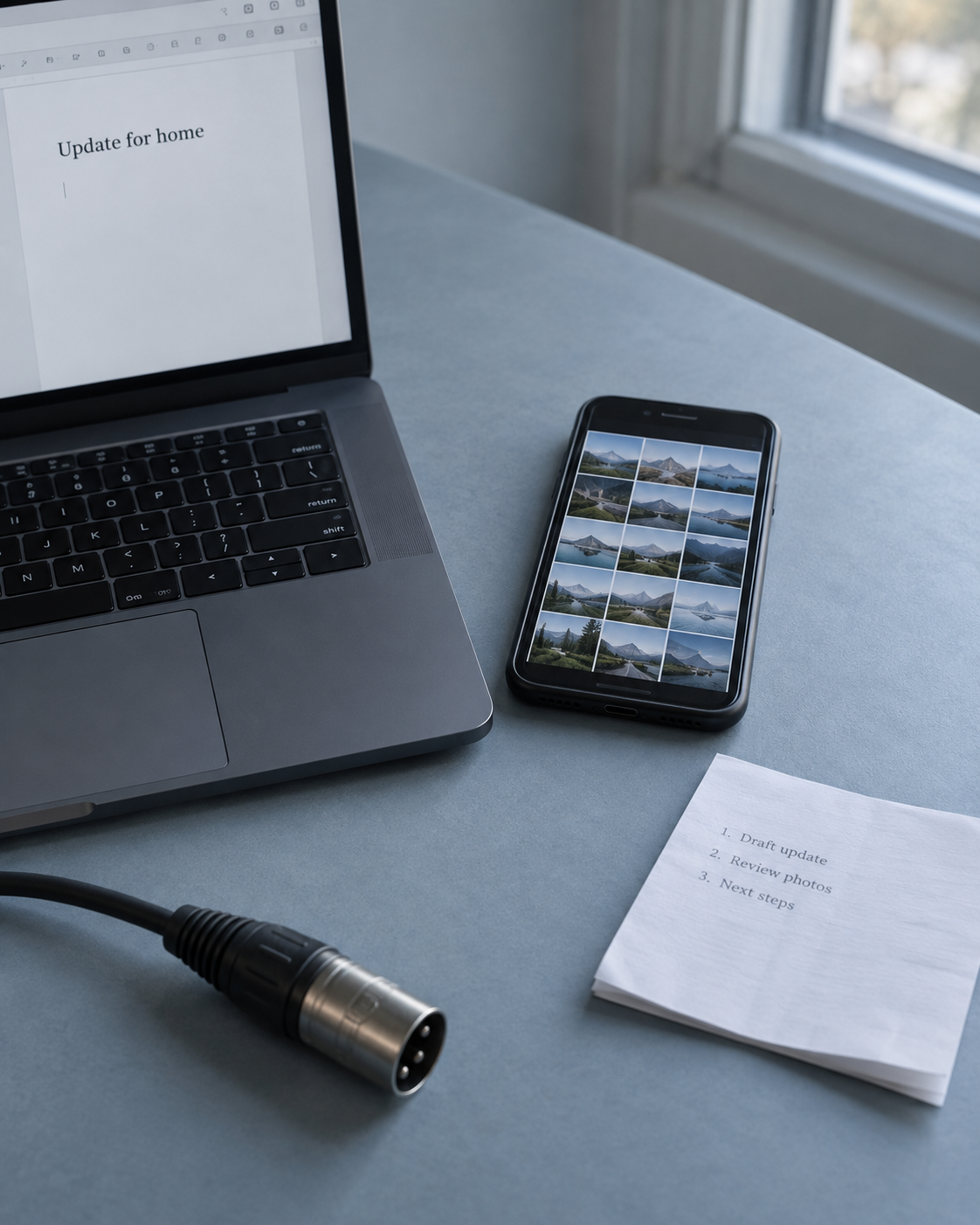
Bring the task, the tools you use, and the part that has you stuck.
Missionary Media Academy
I’ve developed and taught online courses in Digital Media and IT. I’m building the Academy to bring these courses and future training together on an educational platform.
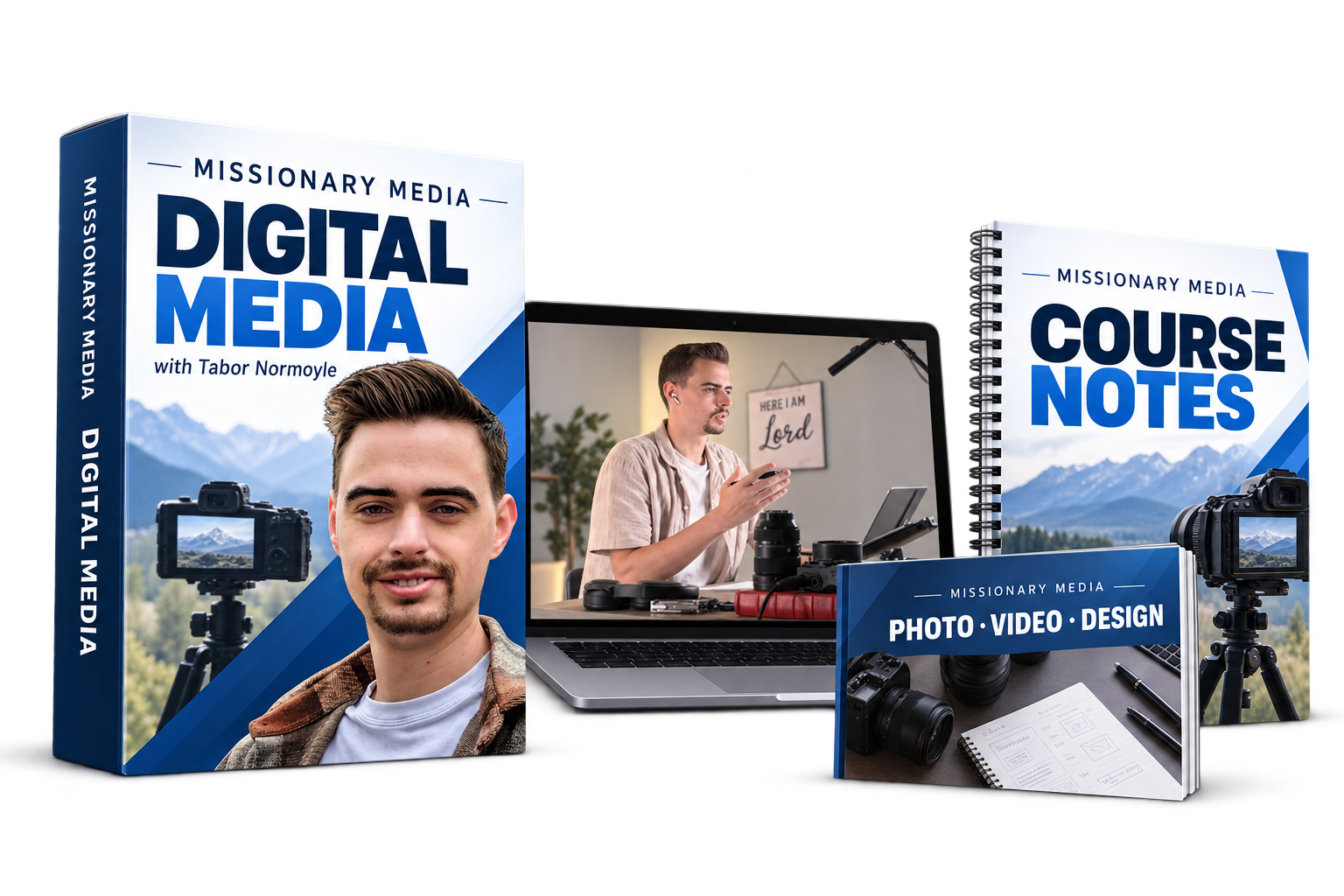
Developed & taught online
Learn to make photos, videos, and designs that communicate clearly.
See course topics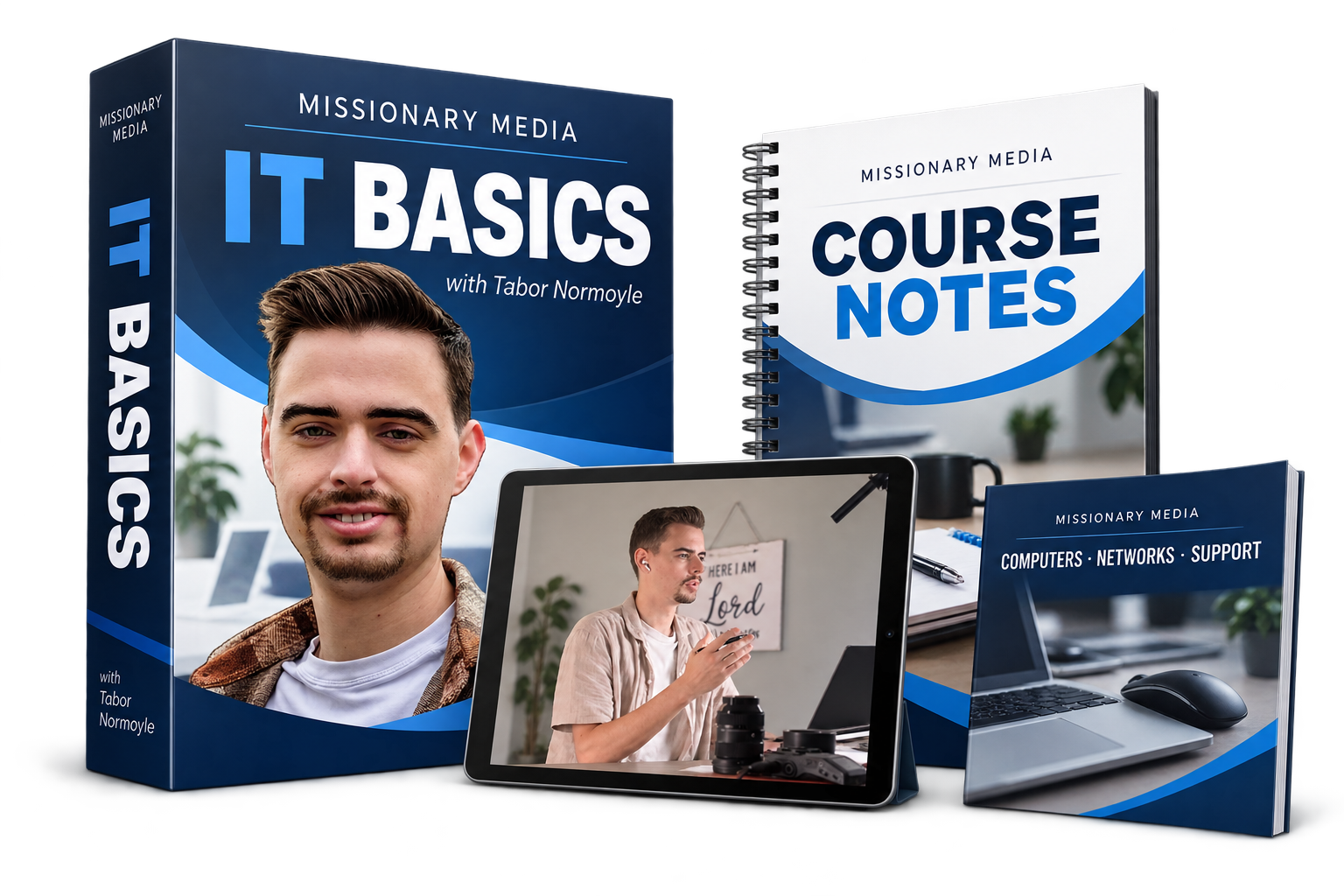
Developed & taught online
Understand your computer, connect your equipment, and work through everyday problems.
See course topicsFor colleges & mission boards
An in-person walkthrough can be part of a package for your students, missionaries, or team. We’ll agree on the visit, training, and follow-up before work begins.
Discuss a support packageSee how your team uses technology and where they need help.
Help with equipment, communication tasks, or a lesson for your team.
Record what changed, what still needs work, and who can help.
Photos and video of the ministry can be included in the visit.
The person you’ll talk with
I’ve helped missionaries in a few countries with audio and video, church systems, and digital security.
Before we talk
No. Explain what you’re trying to do in your own words. You don’t need to know the technical terms.
Yes. A church, college, mission board, or supporter can help arrange support for a missionary. We’ll include the missionary in deciding what is needed.
If the work needs a specialist, I’ll help you look for someone who fits and explain what to ask before you hire them.
We’ll talk about your sharing limits before choosing tools or planning an update. Some questions need someone who knows the security needs of your field.
Tell me what you’re working on and where you need help. We’ll use the first 30 minutes to understand the problem and discuss how I can help.
The conversation is free. Any paid work starts only after you agree to the work and price.